
Step 1> Pair with mobile phone
A. Put Bluetooth Watch in pairing mode
1) With the Bluetooth Watch power off, press and hold Bluetooth switch for 6-10 seconds until indicator turn on and flashes rapidly at blue.
2) If Bluetooth is switched on or indicator flashing, press and hold Bluetooth switch for 5 seconds to turn off Bluetooth, then repeat above step 1).
B. Put Mobile phone in pairing mode
1) Go to mobile phone panel, turn on Bluetooth function and search for new Bluetooth device.
2) Select T-Watch then press OK or YES.
3) Enter password 0000 and press OK.
* Once paired, indicator change from flashing to blue. Some mobile phone need to connect manually after paired.
Step 2> Wear the Wrist Bluetooth Watch
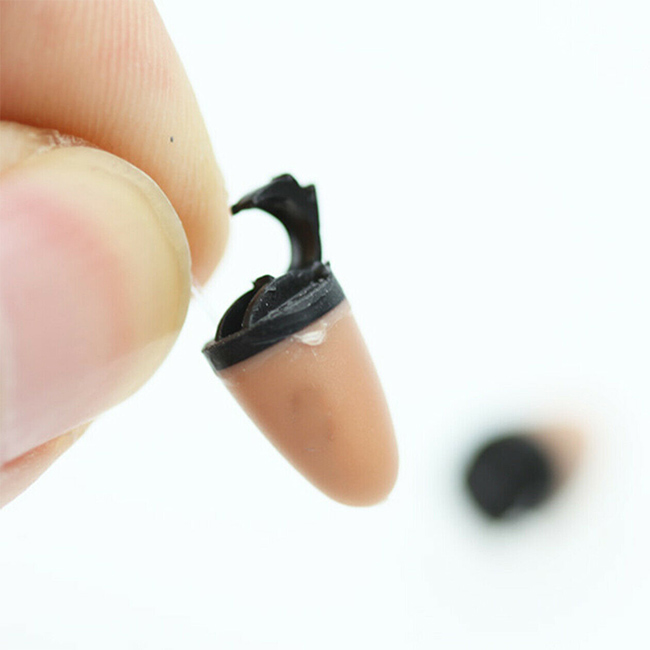
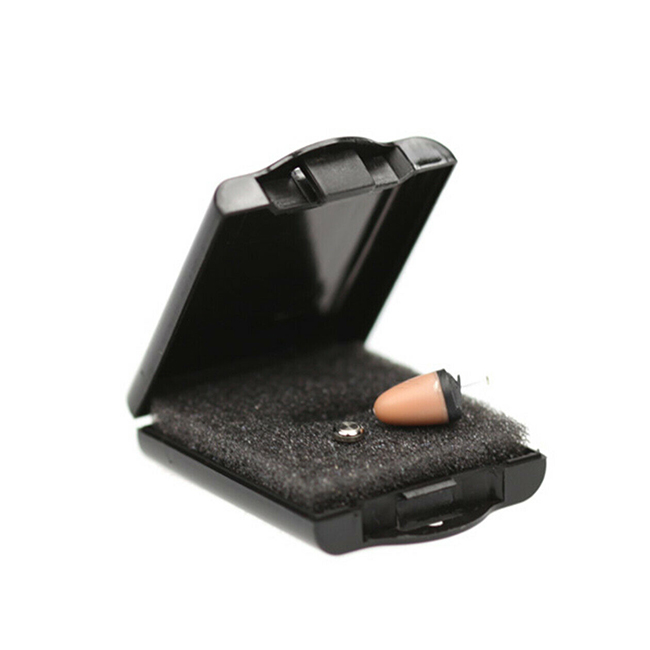
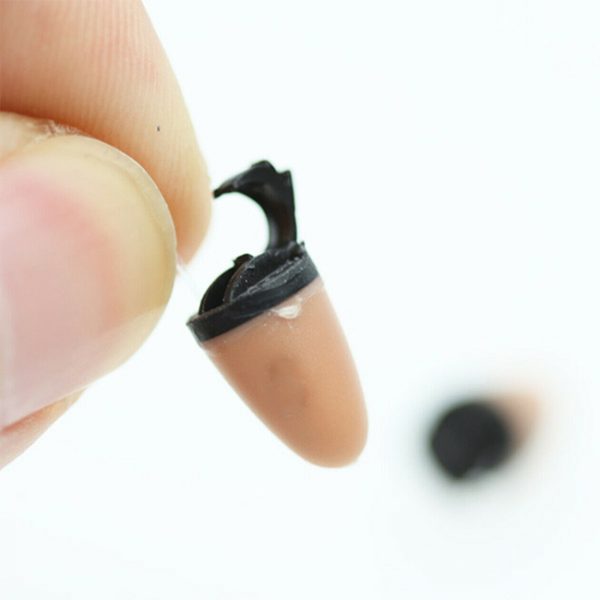
Wear watch in left or right hand depends on earpiece.
Put hand on desk while siting on the desk. Then you can hear clearly in the earpiece. No need to put hand near to ear. You can increase or reduce the volumes in left side or from your mobile phone.
Step 3> Test and use Bluetooth Watch
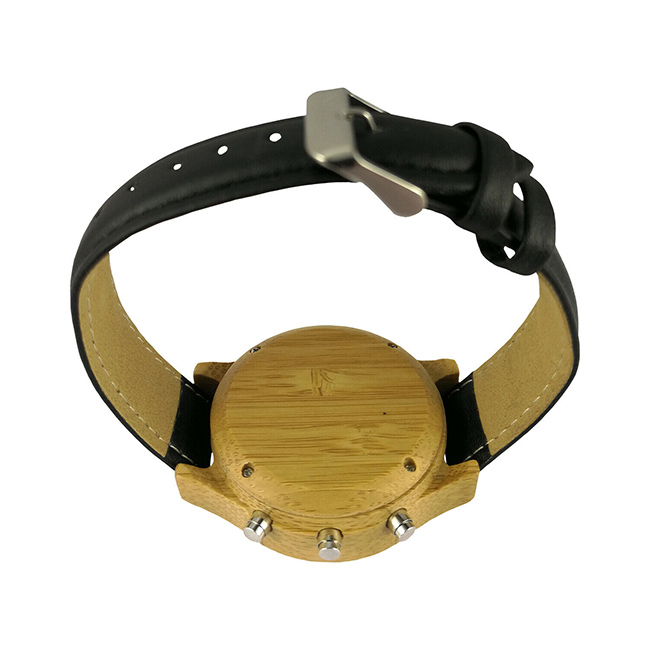
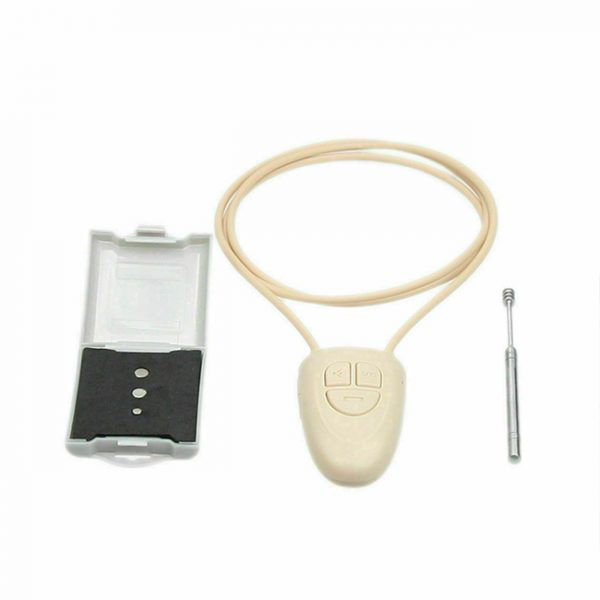
Once connected to mobile phone you should be able to hear any audio within your earpiece (Please check how to use earpiece in manual of earpiece). The volume can be adjusted via the volume control on the Bluetooth Watch or from your mobile phone. The Bluetooth Watch has a number of buttons all providing different functions.


