
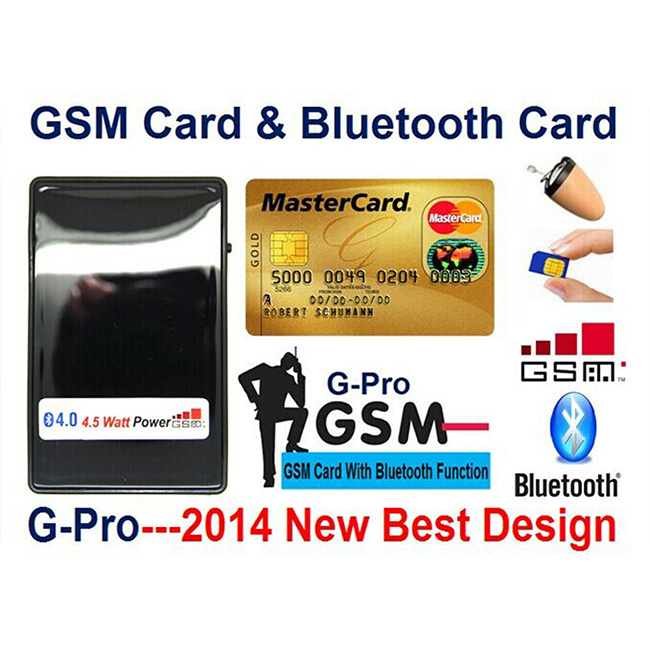
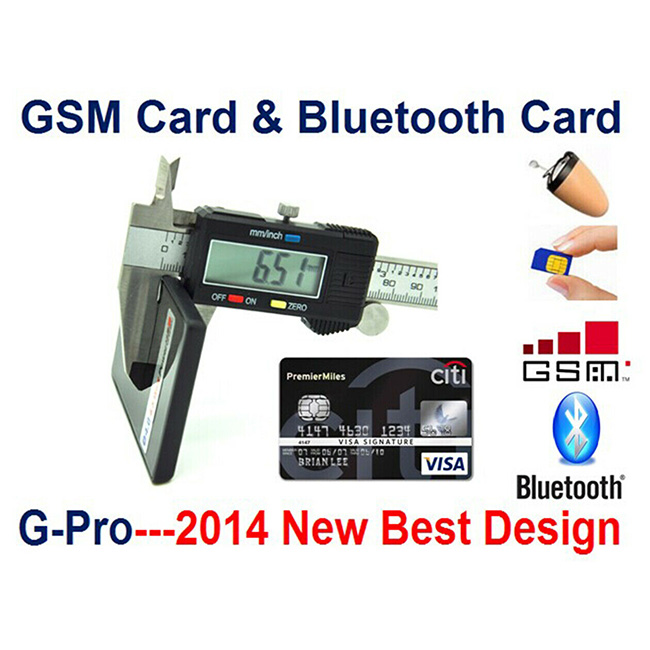
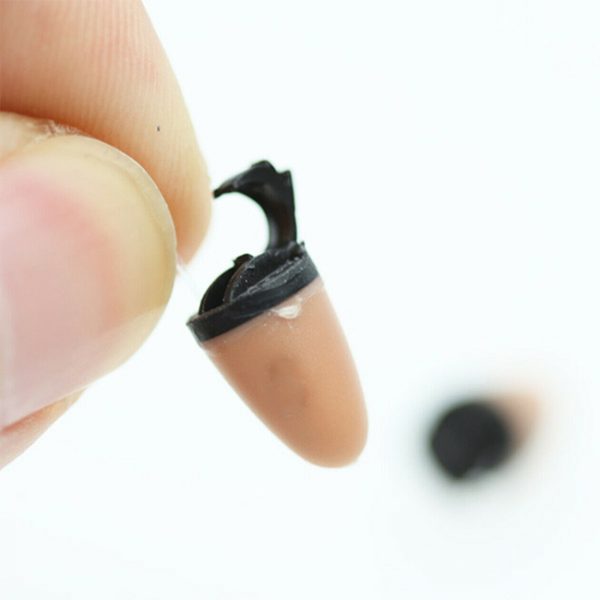
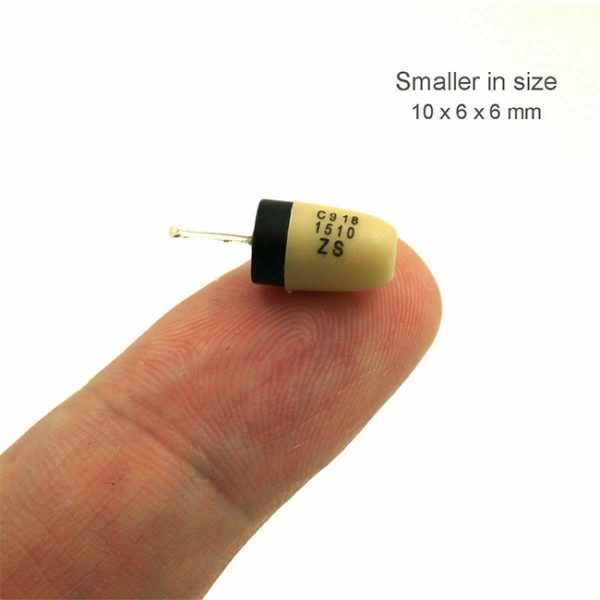
Quick Start GSM Card & Bluetooth Box:
GSM Mode
Step 1> Remove PIN code of SIM card. Inset SIM card in mobile phone and remove the PIN code. The SIM Card must be without PIN Code.
Step 2> Insert SIM card in GSM Module and Power On the device.
Bluetooth Mode
Step 1> Pair with mobile phone
A. Put Bluetooth Box in pairing mode
1) With the Bluetooth Box power on/off, press and hold Bluetooth switch for 6-10 seconds until indicator turn on and flash.
2) If Bluetooth is switched on or indicator flashing, press and hold Bluetooth switch for 5 seconds to turn off Bluetooth, then repeat above step 1).
Step 2> Put Mobile phone in pairing mode
1) Go to mobile phone panel, turn on Bluetooth function and search for new Bluetooth device.
2) Select new bluetooth device then press OK or YES.
3) Enter password 0000 and press OK.
* Once paired, indicator change from flashing to blue. Some mobile phone need to connect manually after paired.
Step 3> Hide GSM Box in clothes. Can also put GSM Box in coat pocket or put on legs when you are site down to drive sensitive earpiece, execute magnet earpiece.
Step 4> Test and use neckloop
Once connected to mobile network, device automatically will accept any incoming call. The volume can be adjusted via the volume control on the neckloop. The GSM Box has a number of buttons all providing different functions.


