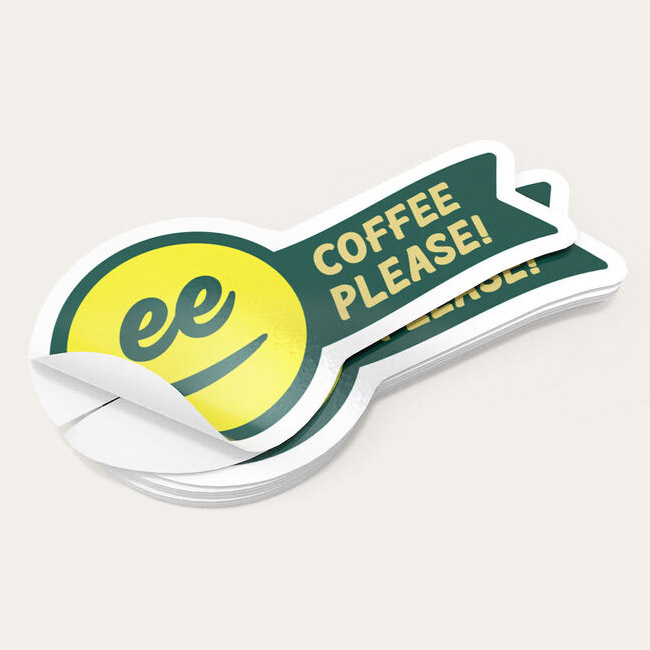
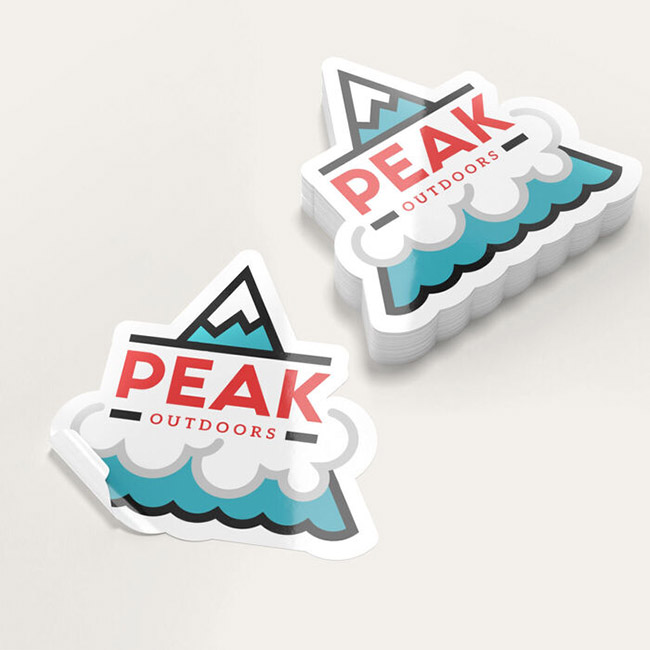
Print in custom shapes & sizes
Rectangle, square, circle & oval
Comes in roll, singles and sheet format
Waterproof materials available
Pick between singles or roll sticker. Singles are recommended for small quantities under 250 for application by hand, while the roll fits in most label dispensers for faster placement.
Select from any of the four standard shapes available or choose Custom if you have exact dimensions and an exact shape in mind. Singles format offers other shapes such as arch, hexagon, heart, and starburst.
Check for the best material type based on the classifications available:
White Premium Sticker Paper suits stickers that will be stored indoors and away from elements like water and oil.
BOPP (plastic/film) materials come in protective polypropylene plastic that keeps your design good as new when refrigerated and exposed to moisture. Choose from white, clear, silver metallic or rainbow holographic backgrounds for your design.
Textured options come in white or cream. These are normally used on wine bottles, so they’re perfect for rustic or luxurious designs.
Add a protective lamination in elegant matte, shiny gloss, or extra vibrant high gloss. · Matte gives an elegant and luxurious touch that the least glare. It’s perfect for die-cut stickers that require a muted touch to neutral or light colors. · Gloss gives a vibrant shine and brightens up the images and colors on your sticker. · High gloss provides the ultimate shine and makes colors pop even from afar.
Indicate your unwind direction if you will be using a label dispenser or machine to apply the die-cut sticker. This ensures that the sticker unwinds based on the copy’s direction when applied on a surface.
Select a quantity that fits your budget. Larger quantities cost less per sticker.
Indicate your preferred printing time. Note that the printing period only includes production and does not cover the transit time during shipping.
Upload your design or use our intuitive online tool to create one from scratch. If you prefer to upload it later, you can download a template from the Layout Templates tab and then proceed to Buy Now & Upload Later at the bottom of the calculator.